Today I wanted to animate the test arm from a fresh Blender file. The plan was simple enough to say out loud: one clip moves the root, another bends the arm, and Unity can play them independently. First I had to find out whether I could actually animate a linked rig.
In the source file I could pose the arm. Once I linked it, some of the custom controls stopped responding. I tried a clean link in a fresh file and got the same result. That ruled out the idea that I was just fighting a bad override left over from an earlier test. It was frustrating to fix one thing and immediately find the next thing in the way.
We changed what traveled with the rig and what the animation file could edit. The rig brought its curve definitions and control groups with it. The animation file could own the keys. In a fresh file I keyed a control in the animation curve view and watched the arm bend. Then I looked down at the Graph Editor and saw nothing.
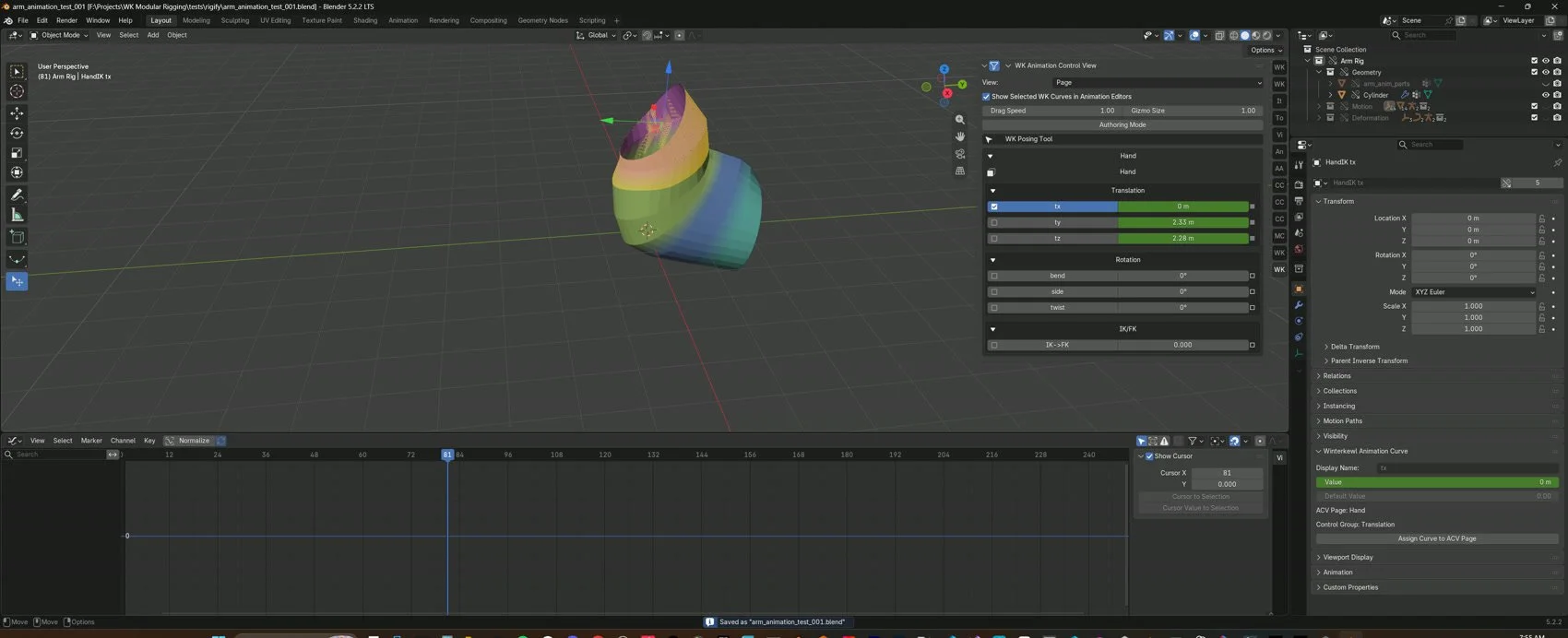
The keys were there. Blender was hiding their channels along with the linked curve objects. We got the channels to show up while keeping the Outliner tidy, then fixed another problem that stopped me selecting a manipulator after reopening the file. I can see and create keys now. I still have the separate root and bend clips and the Unity playback test ahead of me.
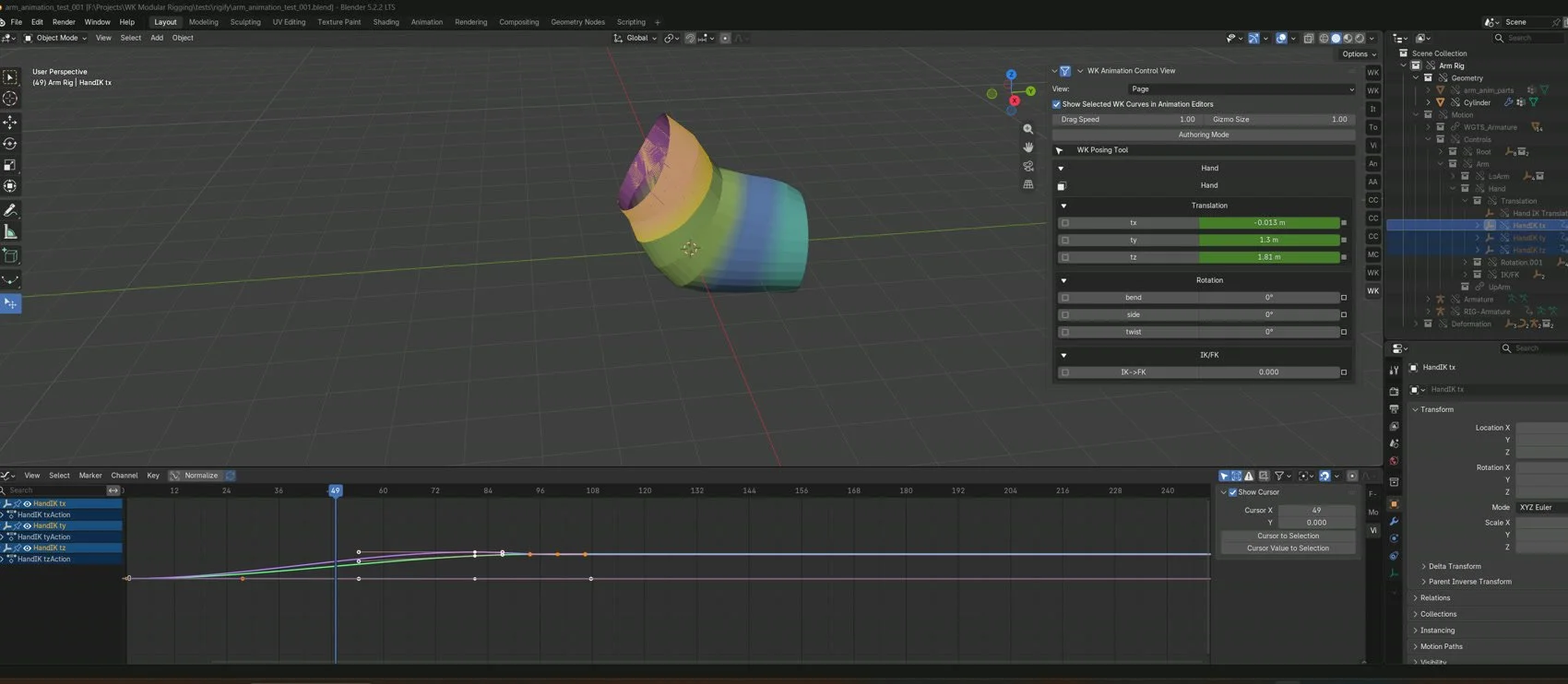
I keep wanting a graph with inputs and outputs I can follow. Today I could see the arm move and still have no clear answer about where the keys went. The fresh files and screenshots helped me show ENG exactly where the workflow broke. That’s what I want the tools to give me while I’m working: enough feedback to follow the problem myself.